
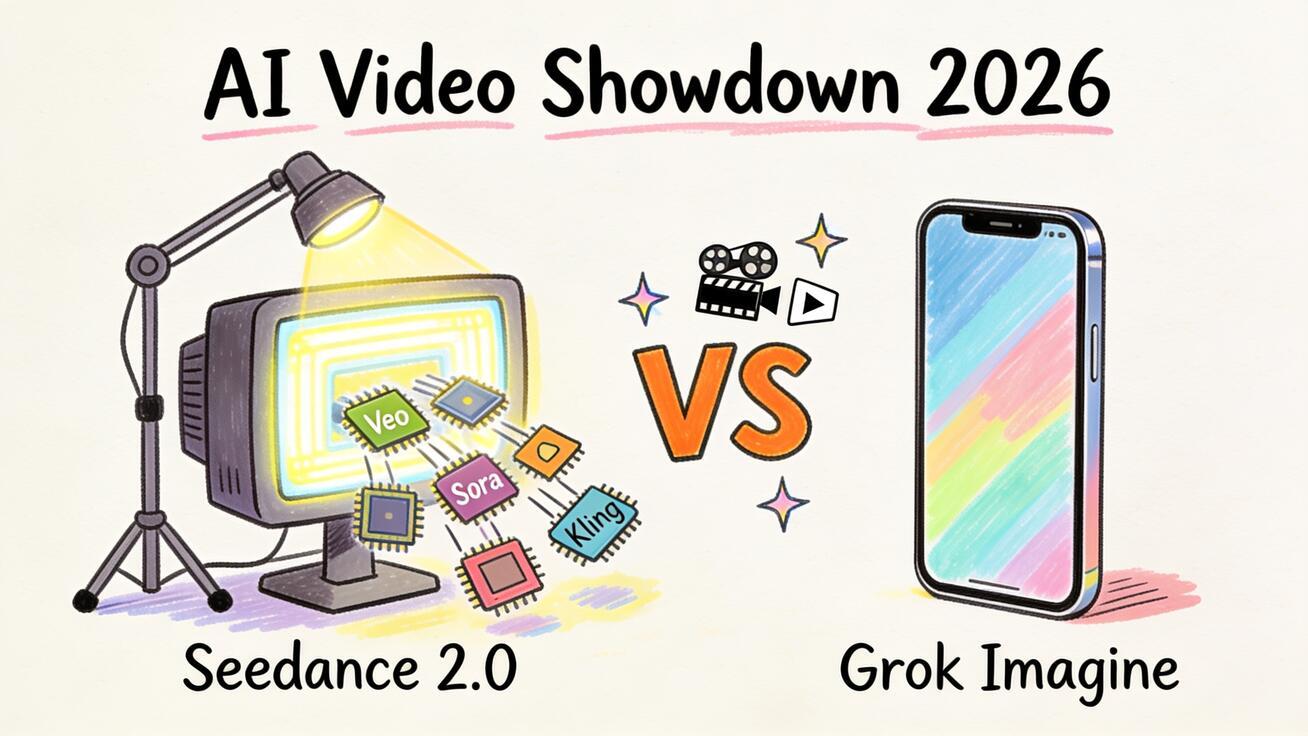
Last Updated: June 24, 2026
Quick Answer: Seedance 2.0 and Grok Imagine both turn text and images into short AI videos with synced audio, but they solve different problems. Pick Seedance 2.0 when you want a free, browser-based studio that lets you generate with Seedance 2.0, Veo 3, Sora 2, and Kling side by side, compare versions, and export clean 1080p clips with no watermark. Pick Grok Imagine when you live inside the X/Grok ecosystem and want fast, casual clips from a single in-app model.
If you searched Seedance 2.0 vs Grok Imagine, you are not looking for another "AI video is the future" essay. You want to know which tool will actually get your TikTok ad, product demo, or image-to-video animation done today — and which one is worth your time and money. This head-to-head breaks down models, video quality, audio, workflow, pricing logic, and the exact use cases where each one wins, so you can choose without burning a week of trial credits.
Both tools belong to the same 2026 wave of fast, audio-capable generators. The difference is in philosophy: Grok Imagine is one model wrapped into a social-media app, while Seedance 2.0 is a multi-model creation studio you can drive from any browser. That single distinction shapes almost every decision below.
Quick Verdict
Choose Seedance 2.0 if: you want model choice (Seedance 2.0, Veo 3, Sora 2, Kling) in one place, a free tier with daily credits, no watermark on exports, and a real workflow for image-to-video, text-to-video, and multi-shot product content.
Choose Grok Imagine if: you are already deep in the X/Grok ecosystem, want quick casual clips, and don't need to switch between models or build a repeatable production workflow.
For most creators, marketers, and small teams who care about output quality and cost control, Seedance 2.0 is the more flexible base camp — and you can still benchmark Grok Imagine's output against it inside Seedance by generating the same prompt across multiple models.
Feature Comparison at a Glance
| Dimension | Seedance 2.0 | Grok Imagine |
|---|---|---|
| Core idea | Multi-model AI video studio | Single-model generator inside Grok/X |
| Models available | Seedance 2.0, Veo 3, Sora 2, Kling | Grok Imagine model only |
| Access | Any web browser, no install | Grok app / X ecosystem |
| Text-to-video | ✅ | ✅ |
| Image-to-video | ✅ | ✅ |
| Synced audio | ✅ (model-dependent) | ✅ (native, same pass) |
| Max resolution | 1080p | 720p-class (image-to-video focus) |
| Watermark on export | ❌ None | Platform-dependent |
| Free tier | ✅ Daily credits | Tied to Grok/X plan |
| Version comparison | ✅ Generate variants across models | Single-model outputs |
| Best for | Marketing, product, social, image-to-video workflows | Fast casual clips, social posting |
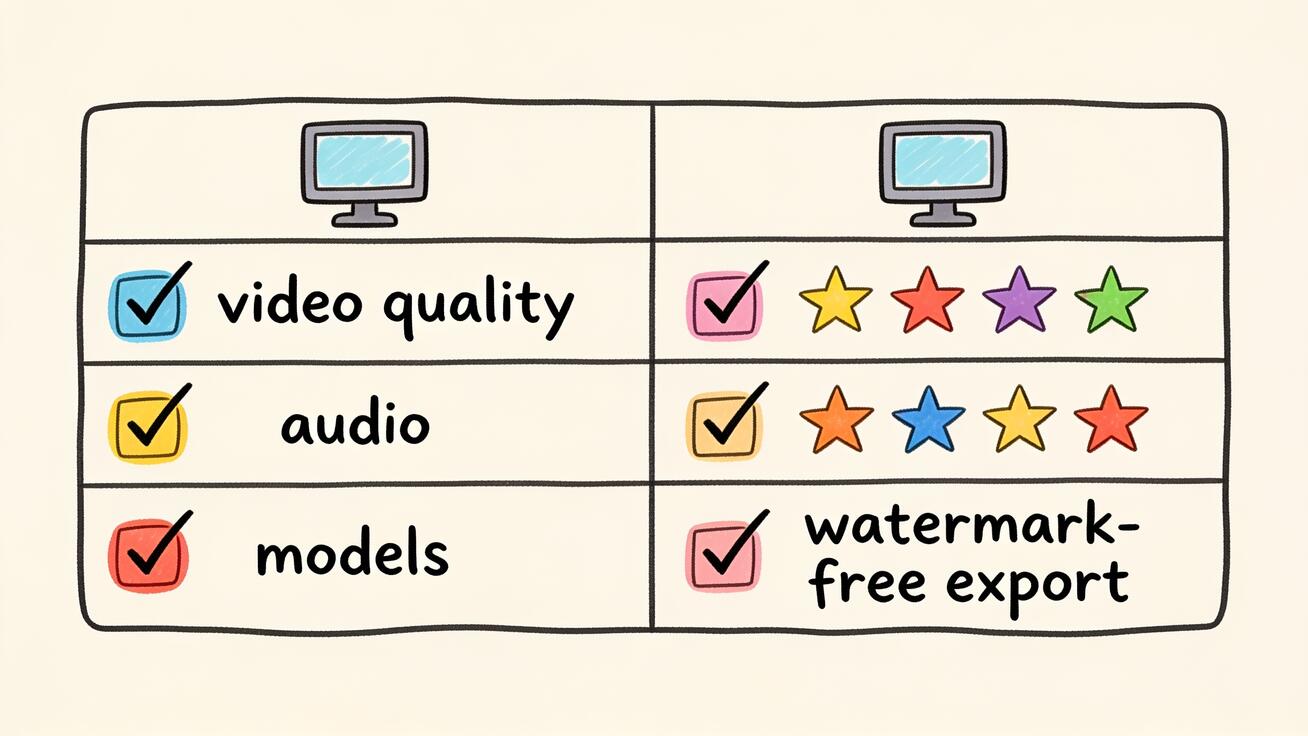 At a glance: Grok Imagine optimizes for fast single-model social clips; Seedance 2.0 optimizes for multi-model choice and watermark-free export.
The table tells the strategic story: Grok Imagine optimizes for speed and virality inside one app, while Seedance 2.0 optimizes for choice and control across several leading models. Below, each row gets the detail it deserves.
Models: One Engine vs a Whole Garage
The biggest difference between Seedance 2.0 and Grok Imagine is what's under the hood.
Grok Imagine runs xAI's own video model. xAI has iterated quickly on it through 2026, improving motion, physics, audio, and generation speed, and it has become genuinely popular for casual social clips. But you get exactly one engine: whatever Grok Imagine generates is what you ship. There is no "try a different model and compare" button.
Seedance 2.0 takes the opposite approach. It is a studio that gives you multiple frontier models in one interface — Seedance 2.0 itself, plus Veo 3, Sora 2, and Kling. You upload one image or type one prompt, then generate the same idea across different engines and keep the best result. For anyone doing real client or product work, that flexibility is the difference between "good enough" and "exactly what the brief needed."
Why does multi-model matter in practice?
- Different models excel at different shots. One engine may nail smooth camera movement; another may render text and product detail more cleanly. With Seedance 2.0 you don't have to bet your whole project on a single model's weakness.
- Style range. Cinematic realism, anime, doodle, product-on-white — no single model is best at everything. Seedance 2.0 lets you route each shot to the engine that fits.
- Future-proofing. When a new model lands, a multi-model studio adds it; a single-model app makes you migrate.
If you only ever need fast casual clips and you live on X, one engine is fine. If your work spans ads, demos, social, and image animation, the garage beats the single engine.
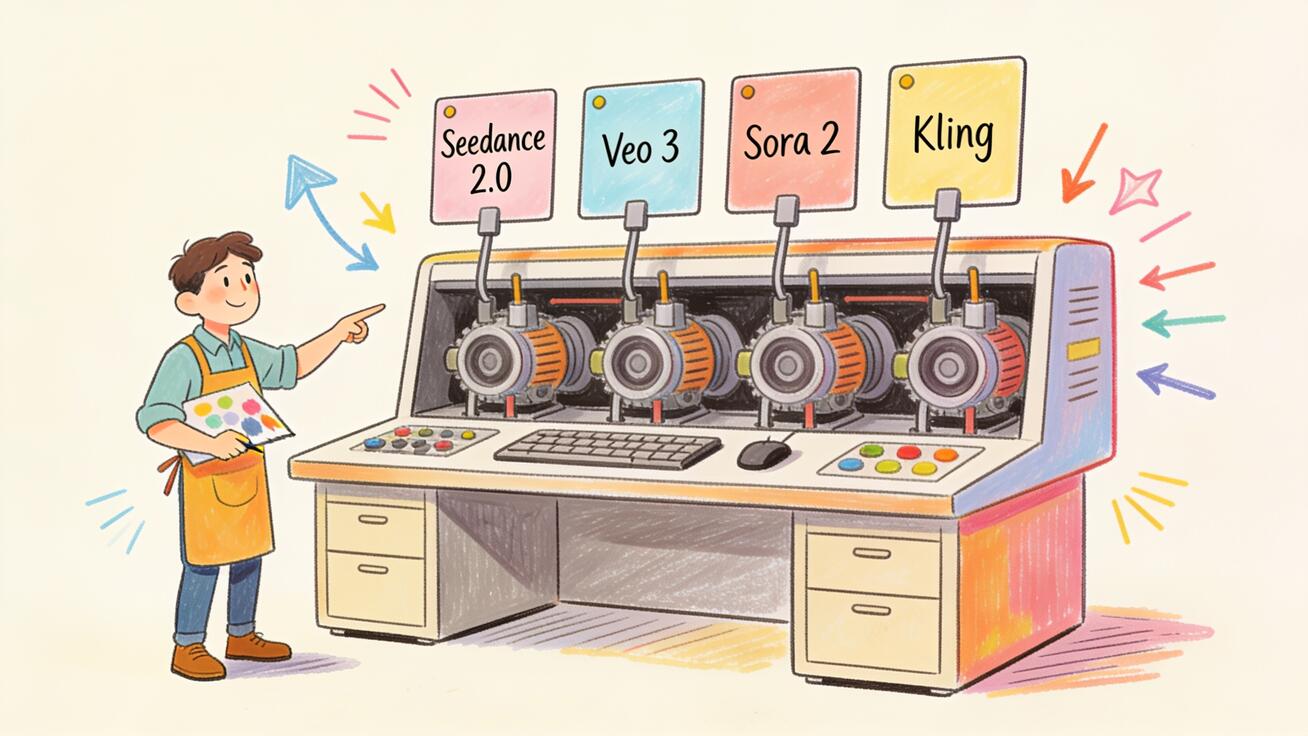 Seedance 2.0 acts as a multi-model studio, letting you generate the same idea across several engines and keep the best — something a single-model app can't do.
Video Quality and Motion
Both tools have closed most of the old "AI video looks melty" gap that defined 2024-2025. In 2026, the meaningful quality questions are subtler: Does motion hold together for the full clip? Do subjects stay consistent? Is the camera movement intentional or random?
Grok Imagine has invested heavily in motion and physics, and its image-to-video results animate stills convincingly with believable weight and momentum. It is tuned for quick, eye-catching social clips, and it delivers them fast.
Seedance 2.0 competes on quality but wins on optionality. Because you can run the same prompt through Seedance 2.0, Veo 3, Sora 2, and Kling, you effectively get a quality insurance policy: if one model warps a hand or drifts the camera, another often nails it. For subject and character consistency across multiple shots, Seedance 2.0's multi-shot and character consistency workflows give you tools a single-model app simply doesn't expose.
Resolution is a practical separator too. Seedance 2.0 exports clean 1080p, which matters when your clip will run as a paid ad, a landing-page hero, or a YouTube insert rather than just an ephemeral social post.
Audio: Both Generate Sound, Different Ceilings
A standout feature of the 2026 generation is native synced audio — sound effects, ambience, and even dialogue generated in the same pass as the video, landing on the action instead of being added later.
Grok Imagine generates synchronized audio natively and does it well for casual content; sound effects and ambience land on the motion, which makes clips feel finished straight out of the app.
Seedance 2.0 also supports generating video with audio depending on the model you choose. Because Seedance 2.0 is multi-model, your audio ceiling is set by the best audio-capable engine available in the studio at any moment, not by a single vendor's roadmap. For dialogue-driven or ambience-heavy work, the ability to test the same scene across models and keep the cleanest soundtrack is a real advantage.
Bottom line on audio: both are strong. Grok Imagine gives you reliable one-tap audio inside its app; Seedance 2.0 gives you audio plus the option to shop the same scene across multiple engines for the best sound-to-motion match.
Workflow: Casual App vs Production Studio
This is where the two tools diverge most for serious creators.
Grok Imagine workflow
Grok Imagine is built for speed and social posting. You describe a scene or drop in an image, generate, and share — often without ever leaving the Grok/X environment. It is excellent for spontaneous, "make something fun right now" creation. The trade-off is that it is not designed as a repeatable production pipeline with model switching, version comparison, and export discipline.
Seedance 2.0 workflow
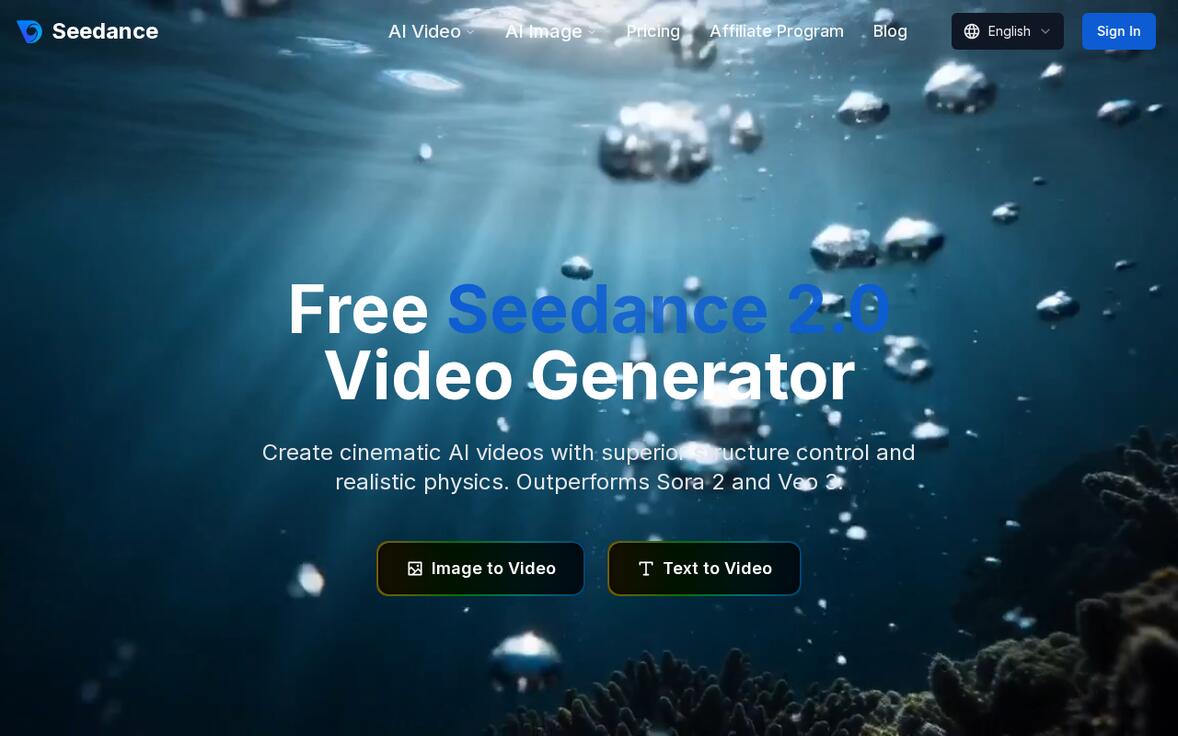 The Seedance 2.0 studio runs in any browser — no install — and exposes multiple models from one interface (source: seedance.tv).
Seedance 2.0 is built as a studio. Here is the typical workflow:
- Upload an image or enter a text prompt. Start from a product photo, a character reference, or a written scene description in Image to Video or Text to Video.
- Choose your model. Select Seedance 2.0, Veo 3, Sora 2, or Kling based on the shot.
- Generate 2-3 versions. Run variants from the same asset so you can compare instead of settling for the first output.
- Inspect quality. Check subject consistency, physical motion, camera movement, brand safety, and any on-screen text.
- Export clean. Download 1080p with no watermark, ready for TikTok, Reels, YouTube, ads, or a landing page.
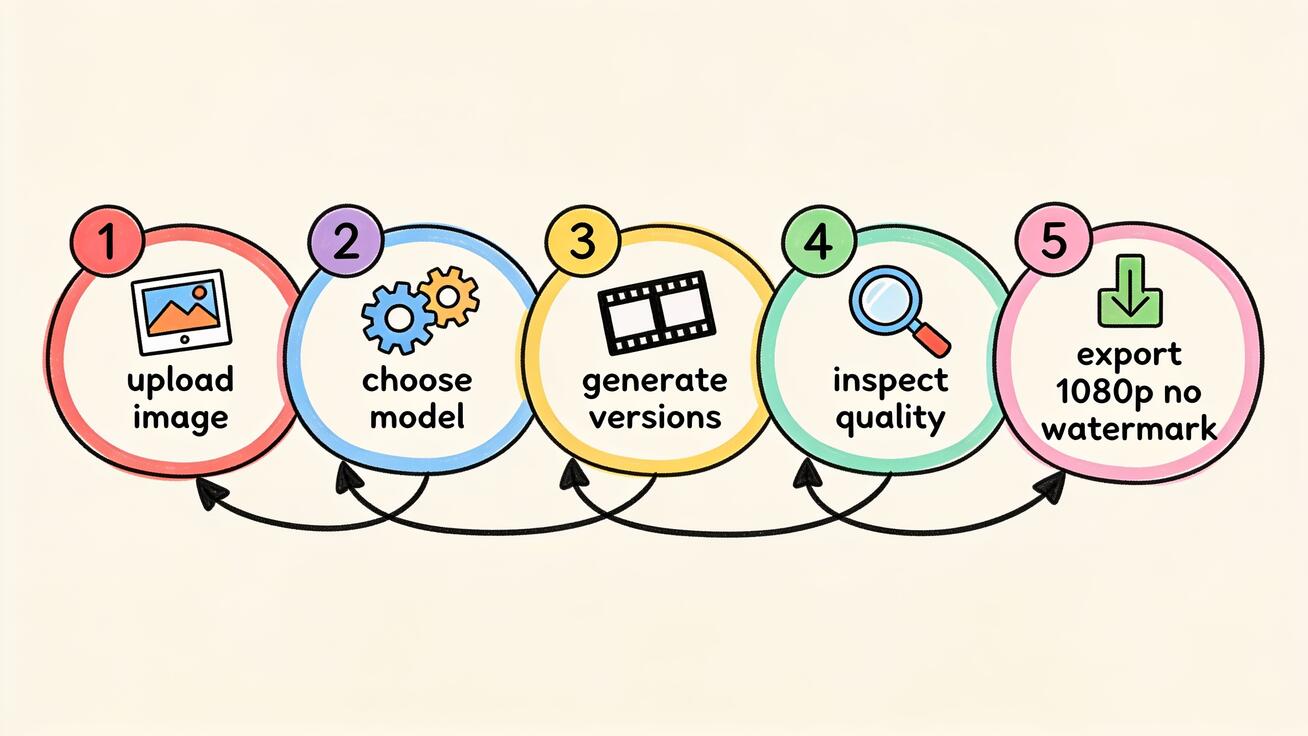 The repeatable Seedance 2.0 workflow: upload an image or prompt, choose a model, generate versions, QA, and export clean 1080p.
That five-step loop — upload, choose model, generate variants, QA, export — is the practical reason marketers and product teams gravitate to Seedance 2.0. It treats AI video as a workflow you can repeat for every campaign, not a one-off novelty. If you want the deeper version, see the Seedance 2.0 image-to-video guide.
Prompt Examples You Can Copy
Good prompts matter more than the model brand. Here are copy-ready prompts that work for both image-to-video and text-to-video in Seedance 2.0 — and that you can also use to benchmark Grok Imagine on the same idea.
Product demo (image-to-video):
"Slow 180-degree orbit around the product on a clean white surface, soft studio lighting, shallow depth of field, subtle reflection, no text, smooth steady camera, 5 seconds."
TikTok / Reels hook (text-to-video):
"Close-up of a steaming coffee cup on a cafe table at golden hour, gentle steam rising, warm bokeh background, slow push-in camera, cozy ambient sound, vertical 9:16."
Character consistency (multi-shot):
"Same young woman with short curly red hair and green jacket, shot 1: walking through a neon city street at night; shot 2: close-up smiling under an umbrella; keep face, hair, and outfit identical across shots."
Real estate walkthrough (image-to-video):
"Smooth forward dolly through a bright modern living room, natural window light, steady gimbal motion, no warping on furniture edges, 6 seconds, ambient room tone."
App preview (text-to-video):
"Clean animated mockup of a mobile app screen, finger tap interaction, subtle UI transitions, minimal background, crisp text, soft click sounds, 4 seconds."
Run any of these across Seedance 2.0, Veo 3, Sora 2, and Kling inside Seedance, keep the best, and you'll quickly learn which engine fits which shot. That comparison habit is exactly what a single-model tool like Grok Imagine can't give you natively.
Speed and Generation Time
Speed is a real factor when you are iterating on a campaign and need ten variants, not one.
Grok Imagine is tuned to be fast, and its quicker generation paths return short clips in well under a minute, which is part of why it feels so natural for spontaneous social posting. When your goal is "make something now and share it," that responsiveness is a genuine strength.
Seedance 2.0's generation time depends on which model you pick and current queue load, typically landing in the tens-of-seconds-to-a-couple-minutes range per clip. The trade-off is intentional: you can choose a faster model for rough drafts and a higher-fidelity model for the final render. In a real workflow, that flexibility usually beats raw speed — you draft quickly on a light model, lock the concept, then re-generate the keeper on the best engine for the shot.
The practical takeaway: if pure turnaround speed is your only metric, Grok Imagine is built for it. If you want to balance speed against model choice and final quality, Seedance 2.0 lets you tune that trade-off per shot instead of accepting one fixed setting.
Pricing Logic: Free Studio vs Ecosystem Bundle
Pricing in AI video moves fast, so the smart way to compare is by model, not by this month's number.
Grok Imagine's access is tied to the Grok/X ecosystem and its plans. If you are already paying for Grok or X Premium, casual video generation can feel "free" because it's bundled — but you are committing to one ecosystem and one model.
Seedance 2.0 offers a free tier with daily credits and lets you generate across multiple models without buying into a single vendor's ecosystem. You can start creating in the browser at no cost, see real output quality, and only scale up when a project demands it. Full details live on the Seedance pricing page.
The strategic point: with Grok Imagine you rent one engine inside one platform; with Seedance 2.0 you get a free, model-agnostic studio. For anyone who wants to control cost while keeping output quality high, the multi-model free studio is the lower-risk starting point.
Best Use Cases for Each Tool
No tool wins every job. Here's how to route real work.
Where Grok Imagine fits
- Casual social clips posted directly into the X/Grok ecosystem.
- Spontaneous, fun content where speed beats production polish.
- Single-model simplicity for users who don't want to choose between engines.
Where Seedance 2.0 fits
- Marketing and ad creative: AI video for marketing where you need 1080p, no watermark, and multiple versions to A/B test.
- Product demos: animate product photos with controlled camera moves; compare models for the cleanest result.
- Image-to-video animation: turn stills, illustrations, or character art into motion with Image to Video.
- Multi-shot storytelling: keep a character consistent across several shots for ads, explainers, or short narratives.
- Cross-model benchmarking: test the same prompt across Seedance 2.0, Veo 3, Sora 2, and Kling and ship the best.
If your output is destined for paid placement, a client deliverable, or anything that needs consistent quality and a repeatable process, Seedance 2.0 is the safer production base. If your output is a quick laugh on the timeline, Grok Imagine is right there.
Limitations to Keep Honest
No 2026 AI video tool is magic, and pretending otherwise wastes your credits.
Grok Imagine limitations: you are locked to a single model, so you inherit that model's specific weaknesses on any given shot; it is oriented toward casual, social output rather than a structured production pipeline; and your experience is tied to the Grok/X ecosystem.
Seedance 2.0 limitations: clips are short (around 10 seconds), which is standard for this generation but means long-form needs stitching; output quality still depends on prompt craft and the model you pick; and like all generative video, complex hands, dense on-screen text, and fast chaotic motion still need a QA pass. Always generate 2-3 versions and inspect before you publish — the multi-model approach helps, but it doesn't remove the review step.
Being upfront about these limits is exactly why generating variants and comparing models matters. Whichever tool you use, build a quick QA habit: check subject consistency, motion, camera, text, and brand safety before export.
How to Run Your Own Head-to-Head Test
Don't take any comparison — including this one — purely on faith. Run a 15-minute bake-off:
- Pick one prompt from the examples above and one source image.
- In Seedance 2.0, generate it across Seedance 2.0, Veo 3, Sora 2, and Kling. Note which handles motion, audio, and detail best.
- If you have Grok access, generate the same prompt there.
- Line up the outputs and score them on consistency, motion realism, audio sync, and how export-ready each clip is.
- Keep the winner and note which model won for that shot type. Over a few tests you'll build a personal routing map.
Because Seedance 2.0 hosts several models at once, most of that test happens in a single tab — which is, again, the core advantage of a studio over a single-engine app.
FAQ
Is Seedance 2.0 better than Grok Imagine? For multi-model flexibility, 1080p watermark-free export, and a repeatable production workflow, Seedance 2.0 is the stronger choice. For fast, casual clips inside the X/Grok ecosystem, Grok Imagine is convenient. Many creators use Seedance 2.0 as their studio and treat Grok Imagine as one more output to benchmark against.
Can Seedance 2.0 do everything Grok Imagine does? Seedance 2.0 covers text-to-video, image-to-video, and synced audio (model-dependent), the same core capabilities, while adding model choice and version comparison. The main thing it doesn't do is post natively into the X timeline, since it's a standalone studio.
Does Seedance 2.0 add a watermark? No. Seedance 2.0 exports clean clips with no watermark, which matters for ads, client work, and landing pages.
Which is better for image-to-video? Both animate stills well. Seedance 2.0's edge is letting you run the same image through multiple models and keep the best animation — useful when one engine warps an edge or drifts the camera. Start with the image-to-video workflow.
Do I need to install anything? For Seedance 2.0, no — it runs in any browser. Grok Imagine lives inside the Grok/X ecosystem.
Where can I compare more models? See Seedance vs Sora 2, the Sora 2 vs Veo 3 vs Seedance breakdown, and the best Grok Imagine alternatives roundup for wider context.
Conclusion
In the Seedance 2.0 vs Grok Imagine showdown, there is no single "best" — there is best for your job. Grok Imagine is a fast, fun, single-model generator built into the X/Grok ecosystem, ideal for casual social clips. Seedance 2.0 is a free, browser-based, multi-model studio that lets you generate with Seedance 2.0, Veo 3, Sora 2, and Kling, compare versions, keep characters consistent across shots, and export clean 1080p with no watermark.
If your videos are quick timeline posts, either tool works. If your videos are ads, product demos, image-to-video animations, or anything that needs quality control and a repeatable process, Seedance 2.0 gives you more models, more control, and a real workflow — at no cost to start. The smartest move is to run the 15-minute bake-off above and let the outputs decide.
Ready to test it yourself? Try Seedance 2.0 free and generate your first clip across multiple models in minutes — then compare it against anything else on the market.
Ready to create your own AI video?
Turn ideas, text prompts, and images into polished videos with Seedance. If this article helped, the fastest next step is to try the product.
Free credits on signup. Plans from $28/month.
Related Articles
More posts in the same locale you may want to read next.
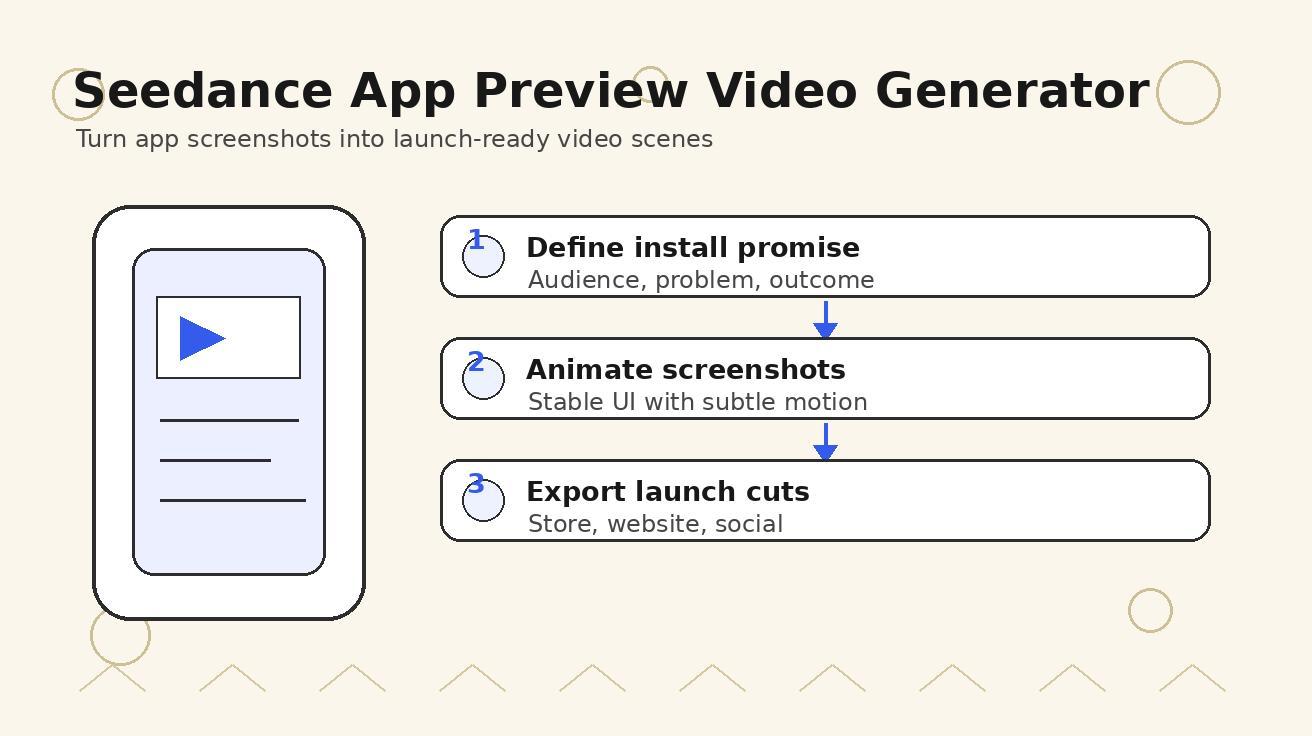
Seedance App Preview Video Generator 2026: Create App Store and Product Launch Clips
Use Seedance to turn app screenshots, feature copy, and launch goals into App Store previews, Google Play promo videos, and product launch clips.
Read article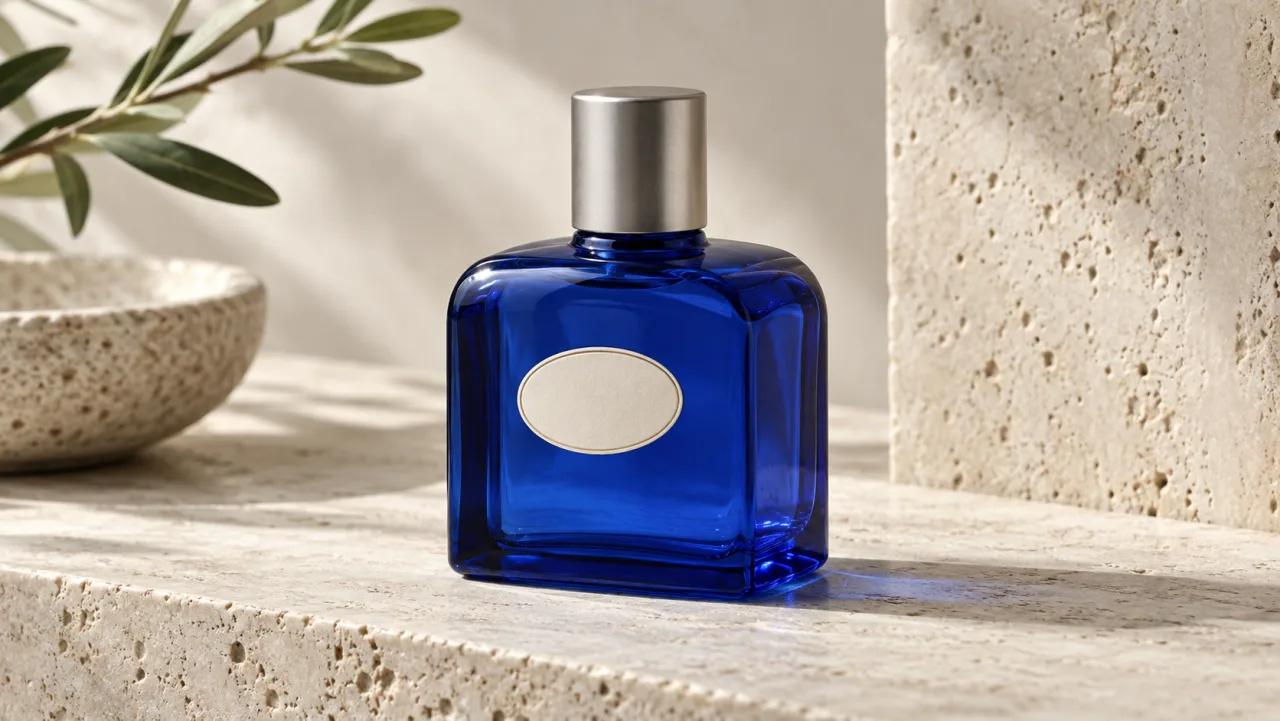
How to Keep Product Shape Consistent in AI Video Ads
Lock product geometry, packaging, labels, references, camera angles, and approval checks so AI video ads preserve the real SKU across every shot.
Read article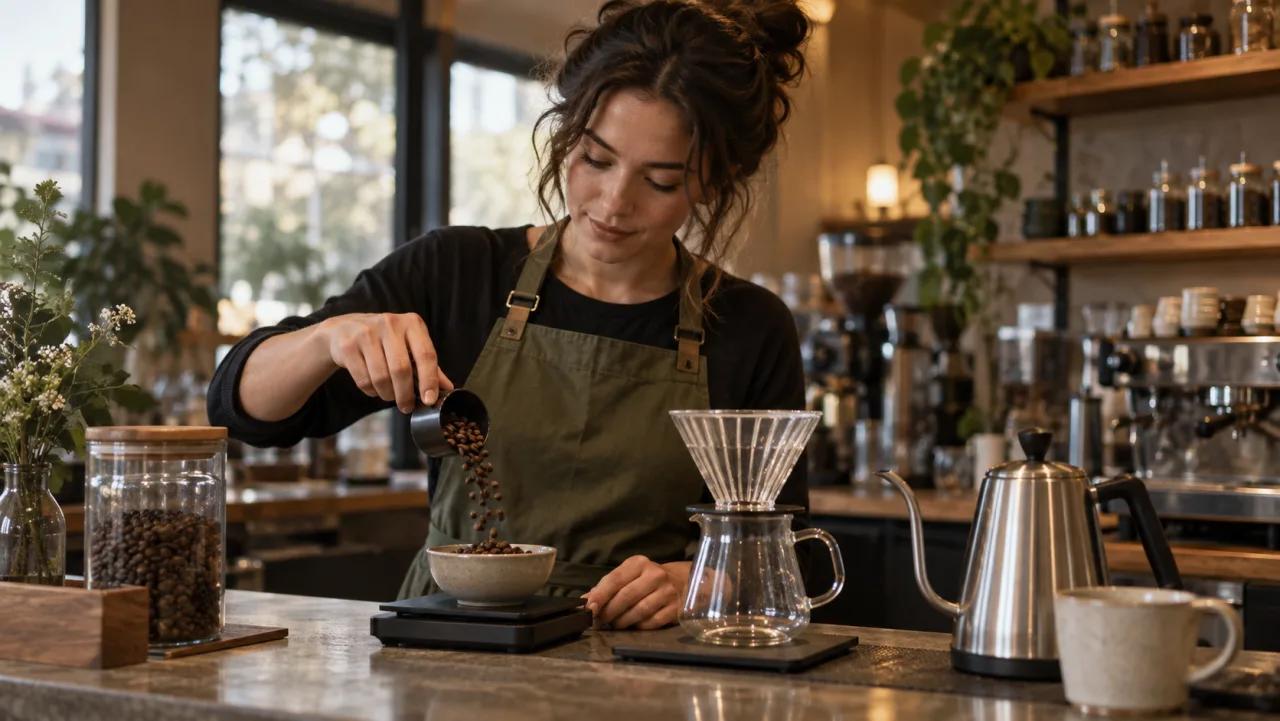
How to Make AI Video Follow a Multi-Step Action
Plan atomic actions, state transitions, timing, continuity, and shot handoffs so an AI video completes a sequence in the intended order.
Read article