
Seedance vs PixVerse: Which AI Video Generator Is Better in 2026?
If you are choosing between Seedance and PixVerse for AI video generation in 2026, the short answer is this: pick Seedance when you need cinematic motion, realistic physics, and multi-model flexibility for product, ad, and YouTube content; pick PixVerse when your priority is fast, mobile-first social clips built around viral effect templates and anime-style looks. Both turn a text prompt or a single image into video, but they are tuned for different creators.
This Seedance vs PixVerse comparison breaks down quality, motion and physics, image-to-video, pricing and free tier, ease of use, and real use cases — so you can decide which tool actually fits your workflow instead of guessing from a feature list.
Ready to create your own AI video?
Free credits on signup. Plans from $20/month.
Quick Answer: Seedance vs PixVerse at a Glance
- Choose Seedance if you want photoreal motion, strong physics, cinematic camera control, longer multi-shot scenes, and access to multiple top models (Seedance 1.0, Seedance 2.0, plus Sora 2, Veo 3, and Kling) inside one editor. Best for marketers, ecommerce sellers, agencies, and YouTube creators.
- Choose PixVerse if you want a mobile-first app focused on quick social videos, one-tap viral effect templates, and stylized or anime aesthetics for TikTok and Reels. Best for casual creators and trend-driven social posting.
The rest of this guide explains why those recommendations hold, dimension by dimension.
Seedance vs PixVerse: Comparison Table
| Dimension | Seedance | PixVerse |
|---|---|---|
| Core strength | Cinematic realism, physics, multi-model | Fast social clips, effect templates |
| Models available | Seedance 1.0 / 2.0 + Sora 2, Veo 3, Kling | In-house V-series video models |
| Text-to-video | Yes | Yes |
| Image-to-video | Yes, strong subject consistency | Yes |
| Motion & physics | High realism, natural weight/gravity | Good for stylized motion |
| Camera control | Detailed prompt-level camera moves | Preset-driven |
| Style range | Photoreal to stylized | Strong stylized / anime templates |
| Best platform | Web editor (desktop-first) | Mobile app + web |
| Free tier | Free credits, no-watermark options | Daily free credits (watermark on free) |
| Ideal user | Marketers, agencies, YouTubers | Casual / social-first creators |
Note: competitor capabilities described as of mid-2026 and may change as PixVerse ships new model versions. Always confirm current PixVerse specs on its official site before buying.
Video Quality: Realism vs Stylized Polish
Quality means different things depending on what you are making.
Seedance is built around realistic, cinematic output. When you generate a clip of a product on a kitchen counter, a car rolling through a city, or a person walking and turning to camera, the frames hold together: lighting behaves consistently, surfaces look like real materials, and subjects keep their shape across the shot. With Seedance 2.0 you get sharper detail and steadier subject consistency, which matters when a clip needs to look like real footage rather than an "AI video."
PixVerse leans toward stylized polish. It is strong at anime looks, character-driven scenes, and the kind of punchy, high-energy clips that perform on social feeds. If your aesthetic target is illustrated or hyper-stylized rather than photoreal, PixVerse's templates can get you there quickly.
The honest takeaway: for realistic commercial footage — product demos, real estate, testimonials, ads that need to look credible — Seedance's realism gives it the edge. For stylized social content where a deliberately artificial, trendy look is the point, PixVerse is a comfortable fit. If you want to see how Seedance compares against other realism-focused tools, our Seedance vs Kling AI comparison covers that head-to-head in detail.
Motion and Physics: Where Seedance Pulls Ahead
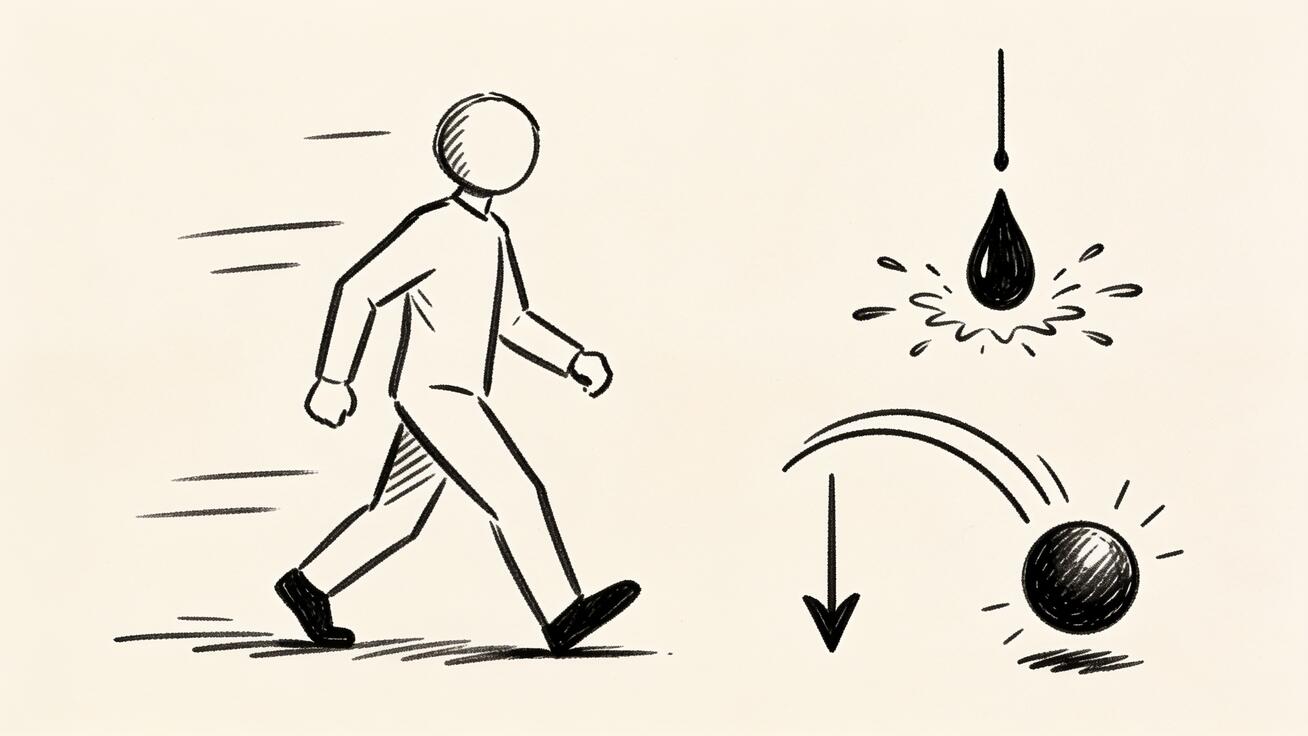
Motion realism is the single biggest differentiator in AI video right now, and it is where many tools fall apart. Limbs warp, objects float, liquids ignore gravity, and a "walking" character slides like it is on ice.
Seedance is specifically strong on physical motion: weight, momentum, and gravity tend to look natural. A poured drink falls and splashes believably, fabric moves with the body, and a subject that walks forward actually plants its feet. This is the difference between a clip you can put in a paid ad and a clip that gets flagged as obviously synthetic.
PixVerse handles motion well within its stylized lane — fast cuts, dynamic camera energy, and template-driven effects look intentional and clean. For realistic human movement and real-world physics, though, a realism-tuned engine like Seedance is the safer choice when believability matters.
If physical motion is your deciding factor, generate the same prompt in both tools and compare:
Prompt: "A barista pours steamed milk into a latte, the foam swirling into a pattern, slow push-in on the cup, warm cafe lighting, shallow depth of field, realistic."
Watch how the liquid behaves, whether the foam forms a coherent pattern, and whether the camera move stays smooth. That single test tells you more than any spec sheet.
Image-to-Video: Turning a Photo into Motion
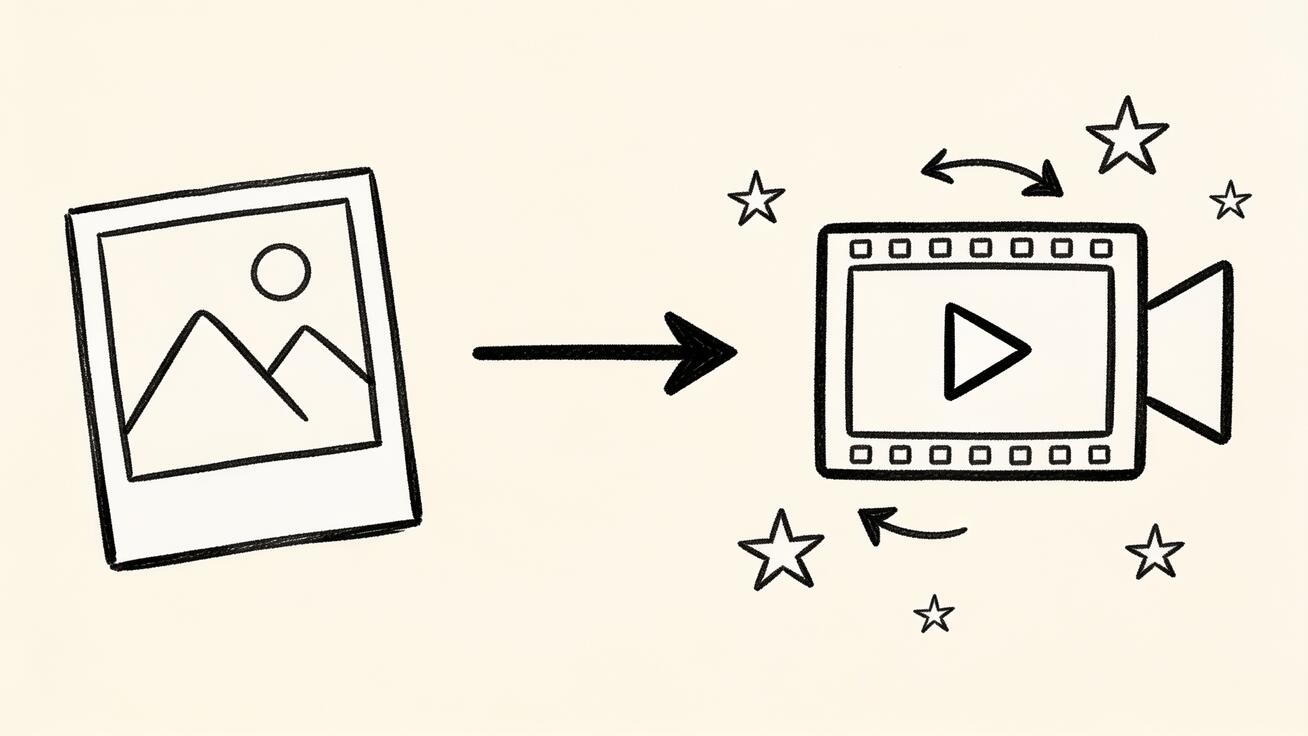
Image-to-video is where most creators get the highest ROI, because you start from an asset you control — a product photo, a character render, a brand frame — and animate it.
With Seedance, you upload an image, describe the motion you want, and the model animates the scene while keeping the subject recognizable. Subject consistency is a real strength: a product keeps its label, a character keeps its face and outfit, and the background stays coherent as the camera moves. That reliability is what makes it usable for ecommerce and brand work, where the subject must stay on-model. You can try this directly with the Seedance image-to-video tool, and our image to video AI guide walks through the full workflow.
PixVerse also offers image-to-video and pairs it with its effect templates, which is great when you want to take one photo and instantly apply a popular motion style. The trade-off is that template-driven motion gives you less granular control over exactly how the camera and subject move compared to Seedance's prompt-level direction.
Rule of thumb: if you need precise, on-brand animation of a specific asset, Seedance's control and consistency win. If you want a one-tap fun effect on a photo for a social post, PixVerse's templates are faster.
Camera Control and Prompting
Seedance gives you prompt-level camera direction — dolly, pan, orbit, push-in, crane, and tracking shots — so you can compose a shot like a director instead of accepting whatever the model decides. This matters for product hero shots, real estate walkthroughs, and any sequence where the camera move is the storytelling. Our Seedance 2.0 camera movement prompts post has copy-ready templates for exactly this.
PixVerse is more preset-driven: you pick from motion styles and effects rather than scripting fine-grained camera paths. That is faster for casual use and a limitation for creators who want full control.
Copy-Ready Prompt Examples
These work as starting points in Seedance. Adapt the subject and keep the camera and lighting language — that is what drives a clean result.
Product demo (image-to-video):
"Upload a product photo. Slow 180-degree orbit around the product on a clean studio surface, soft key light, subtle reflection, shallow depth of field, premium commercial look, smooth camera motion."
Real estate walkthrough (text-to-video):
"Smooth dolly forward through a bright modern living room into an open kitchen, natural window light, steady gimbal movement, realistic interior, no warping."
Social hook (text-to-video):
"A sneaker lands on wet pavement, splash on impact, fast push-in, neon city reflections at night, cinematic, realistic physics."
Character intro (image-to-video):
"Upload a character image. Character turns toward camera and smiles, hair and clothing move naturally, soft cinematic lighting, consistent face and outfit, slow push-in."
Generate two or three versions of each, then keep the one with the cleanest motion and consistency.
Pricing and Free Tier
Pricing changes often in this category, so treat exact numbers as something to confirm on each official site before you pay.
Seedance offers free credits to start, with paid tiers (including V1 Pro plans) that unlock more generations, higher resolution and quality, and watermark-free output. Because Seedance is a multi-model platform, those credits also give you access to several top models — Seedance 2.0, Sora 2, Veo 3, and Kling — without juggling separate subscriptions. That bundling is a real cost advantage if you would otherwise pay for multiple tools.
PixVerse typically offers a daily free-credit allowance, with free generations carrying a watermark and paid plans removing it and raising limits. Its pricing is built around its in-house V-series models.
The practical comparison: if you only ever want quick stylized social clips, PixVerse's free daily credits are an easy on-ramp. If you want professional output and access to multiple frontier models from one paid plan, Seedance tends to deliver more value per dollar. For a no-cost starting point, see our roundup of free AI video generators with no sign up.
Ease of Use
PixVerse is mobile-first and template-driven, which makes it genuinely easy for a first-timer: open the app, pick an effect, add a photo or prompt, and post. There is very little learning curve.
Seedance is a web editor that is still beginner-friendly but gives you more controls — model selection, prompt fields, camera direction, and version comparison. The workflow is straightforward:
- Open Seedance and choose text-to-video or image-to-video.
- Upload your image or write your prompt.
- Choose a model — Seedance 2.0 for realism, or switch to Sora 2, Veo 3, or Kling to compare.
- Add camera and lighting direction in the prompt.
- Generate 2–3 versions from the same input.
- Inspect for subject consistency, motion realism, and any warping.
- Export in the aspect ratio you need (9:16 for TikTok/Reels, 16:9 for YouTube).
If you want maximum simplicity for casual posting, PixVerse wins on pure ease. If you want simplicity plus room to grow into professional control, Seedance is the better long-term home.
Best Use Cases for Each
Pick Seedance for:
- Ecommerce and product videos — animate product photos with on-brand, consistent motion for listings and ads.
- Marketing and paid ads — realistic footage that does not read as obviously AI-generated.
- Real estate — smooth interior walkthroughs from photos or prompts.
- YouTube and long-form — multi-shot, cinematic sequences with directed camera moves.
- Agencies — one platform, multiple models, watermark-free deliverables for clients.
Pick PixVerse for:
- Trend-driven TikTok/Reels — jump on viral effect templates fast.
- Anime and stylized content — character and illustrated looks.
- Casual mobile creation — quick clips without a desktop workflow.
- Fun, low-stakes social posts — one-tap effects on a single photo.
Many creators actually use both: PixVerse for fast trend participation, Seedance for the polished, realistic content that represents their brand. If you are weighing more than two tools, our Runway vs Pika vs Seedance comparison puts the field side by side.
How to Test Seedance vs PixVerse Yourself
Spec sheets and reviews only get you so far. Because both tools start from free credits, the fastest way to decide is a five-minute side-by-side test using inputs that match your real work.
- Pick one image you actually use — a product photo, a character render, or a brand frame. Using your own asset, not a stock demo, shows you how each tool handles your subject.
- Write one prompt and reuse it in both tools. Keep the wording identical so the only variable is the engine. Include a clear camera move ("slow push-in"), a lighting note ("warm side light"), and a realism cue ("natural motion, no warping").
- Generate two versions in each tool. AI video is probabilistic, so a single output can mislead you. Two per tool gives a fairer read.
- Score four things: subject consistency (does the face/label/shape hold?), motion realism (does anything float, warp, or slide?), camera smoothness, and overall usability for your platform.
- Check the export. Confirm the aspect ratio, resolution, and whether a watermark appears on the free tier.
Run this test once and the right tool usually becomes obvious for your specific use case. Creators making realistic, on-brand content tend to land on Seedance; creators making fast stylized social posts tend to keep PixVerse in the rotation.
A Note on Resolution and Aspect Ratios
For commercial work, resolution and framing matter as much as the model. Seedance lets you target the format you publish in — 9:16 for TikTok and Reels, 16:9 for YouTube and landing-page heroes, 1:1 for feed posts — and its paid tiers raise output quality so footage holds up on larger screens. When you plan a clip, decide the destination platform first, then prompt and export to that spec rather than cropping a square video into a vertical one and losing quality.
Limitations to Know
No AI video tool is flawless, and being honest about limits saves you wasted credits.
Seedance limitations: complex multi-subject scenes can still drift on long generations; very fast, chaotic action is harder than slow, controlled motion; and best results come from specific prompts with explicit camera and lighting language rather than one-line descriptions. Always QA the final frame-by-frame before publishing a paid asset.
PixVerse limitations: realism and fine-grained camera control are weaker than realism-tuned engines; free output carries a watermark; and template-driven motion gives less precise control when you need an exact shot. As with any competitor, confirm current model versions, limits, and pricing on PixVerse's official site, since these change frequently.
Who Should Pick Which: The Verdict
Pick Seedance if video quality, realistic motion, on-brand image-to-video, camera control, and multi-model access matter to your work. It is the stronger choice for marketers, ecommerce sellers, agencies, real estate, and YouTube creators who need output that looks like real, professional footage — and who want Seedance 2.0, Sora 2, Veo 3, and Kling available from one plan.
Pick PixVerse if you are a social-first, mobile creator who values speed, viral effect templates, and stylized or anime aesthetics over photoreal precision.
If your work spans both worlds, the most practical setup is Seedance as your core production tool with PixVerse as a quick-trend companion. For most creators chasing credible, conversion-ready video in 2026, Seedance is the more capable foundation.
Frequently Asked Questions
Is Seedance better than PixVerse? For realistic, cinematic video, strong physics, precise camera control, and multi-model access, Seedance is the stronger choice. PixVerse is better if your priority is fast, stylized, template-driven social clips on mobile. "Better" depends on whether you need realism or trendy stylized looks.
Can both Seedance and PixVerse do image-to-video? Yes. Both turn a single image into a video. Seedance emphasizes precise, on-brand animation with strong subject consistency, while PixVerse pairs image-to-video with one-tap effect templates for quick stylized results.
Which has a better free tier? PixVerse offers daily free credits (with a watermark on free output). Seedance offers free credits to start plus watermark-free options on paid plans, and those plans also unlock multiple top models. Confirm current details on each official site before paying.
Does Seedance add a watermark? Seedance offers watermark-free output on its paid plans; free-tier behavior can vary, so check current terms when you start.
Which is better for TikTok and Reels? For fast, trend-driven stylized clips, PixVerse's templates are quick. For polished, realistic 9:16 content that still fits social, Seedance gives you more control over motion and camera.
Conclusion
The Seedance vs PixVerse decision comes down to what kind of video you make. PixVerse is a fast, mobile-first tool for stylized, template-driven social clips. Seedance is a multi-model platform built for realistic, cinematic output with strong physics, precise camera control, and reliable image-to-video — the qualities that matter when your video has to look credible and convert.
If you want professional, realistic results and the flexibility of running Seedance 2.0, Sora 2, Veo 3, and Kling from one place, try Seedance free and run your own prompt in both tools. Generate the same scene side by side, compare the motion and consistency, and let the output decide.
Ready to create your own AI video?
Turn ideas, text prompts, and images into polished videos with Seedance. If this article helped, the fastest next step is to try the product.
Free credits on signup. Plans from $20/month.
Related Articles
More posts in the same locale you may want to read next.
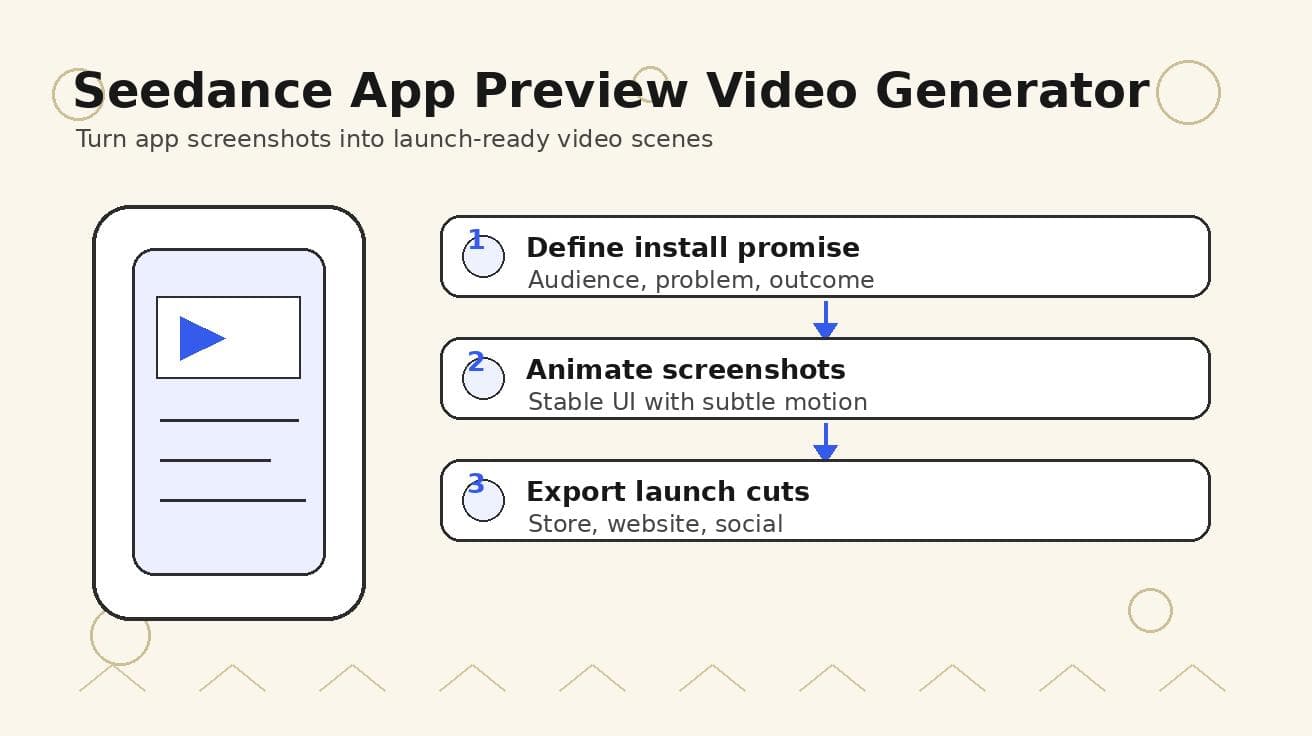
Seedance App Preview Video Generator 2026: Create App Store and Product Launch Clips
Use Seedance to turn app screenshots, feature copy, and launch goals into App Store previews, Google Play promo videos, and product launch clips.
Read article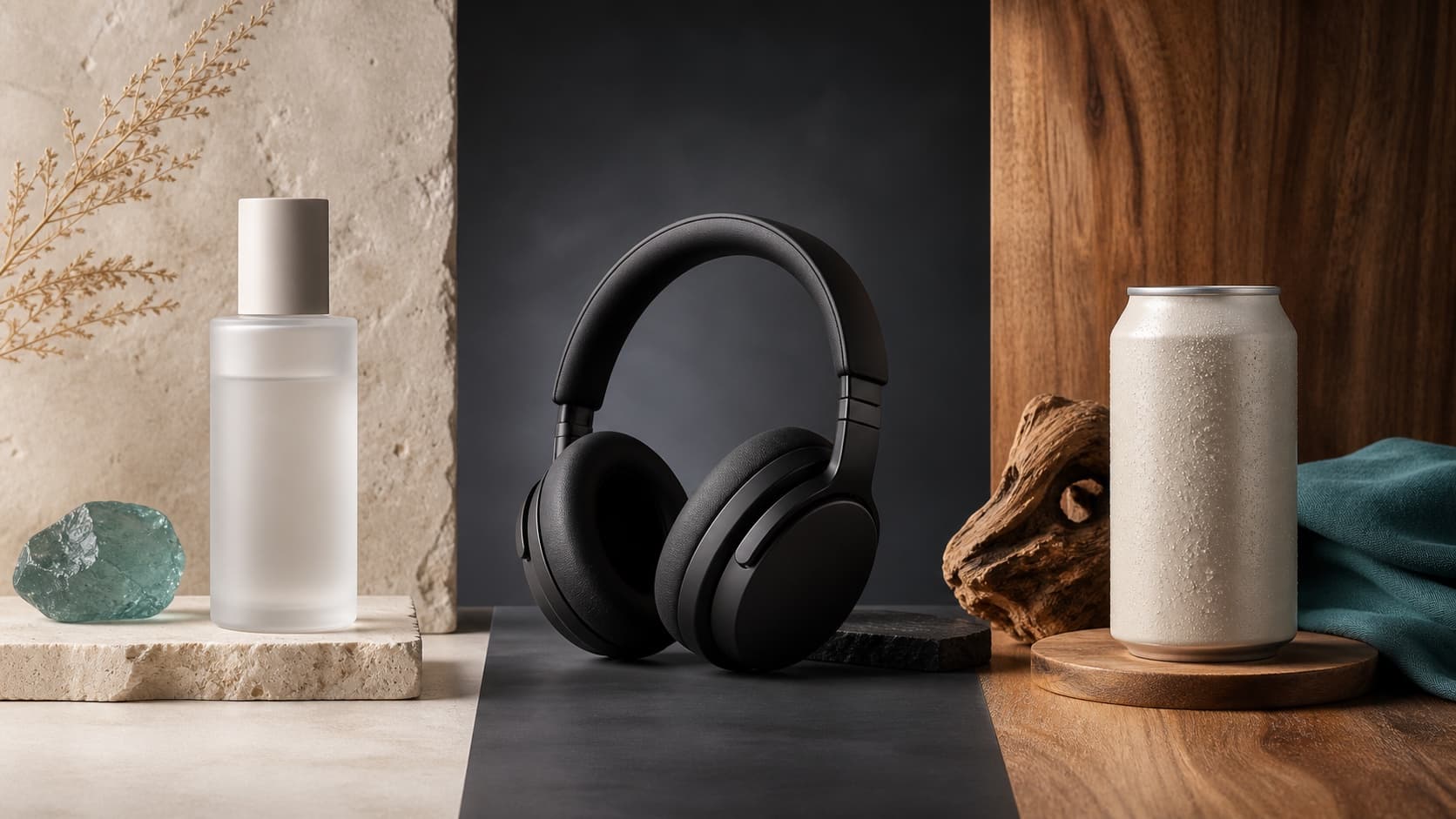
Seedream 5.0 Product Poster Prompts: Templates, Lighting, and Background Swap Guide
Create stronger product posters with a six-part Seedream 5.0 prompt formula, five product templates, three lighting setups, text rules, and a background-swap workflow.
Read article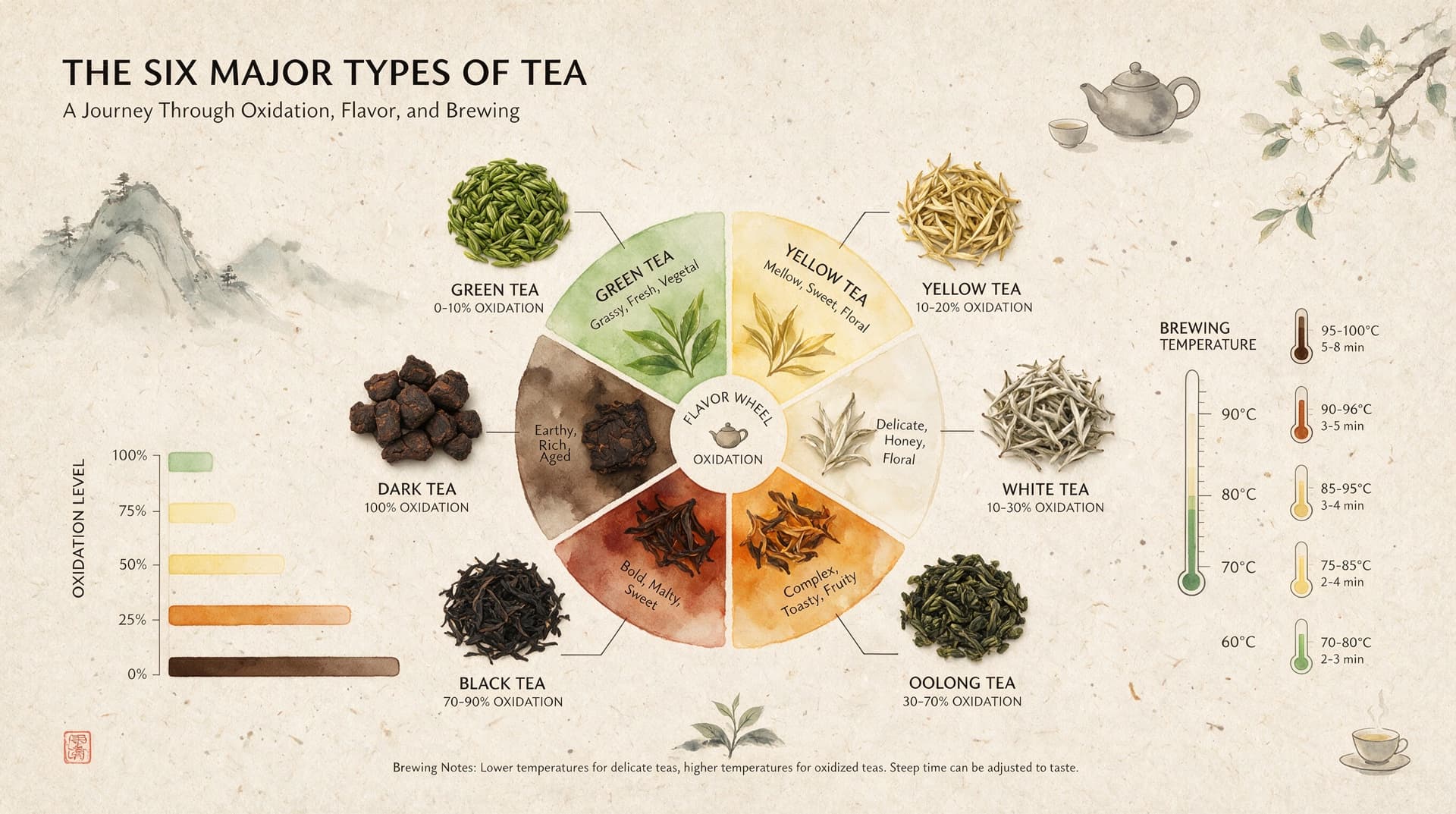
Seedream 5.0 Infographic Prompts: Templates, Text Tips, and 5 Copy-Ready Examples
Create clearer AI infographics with a seven-part Seedream 5.0 prompt formula, five reusable templates, practical text tips, and five copy-ready examples.
Read article